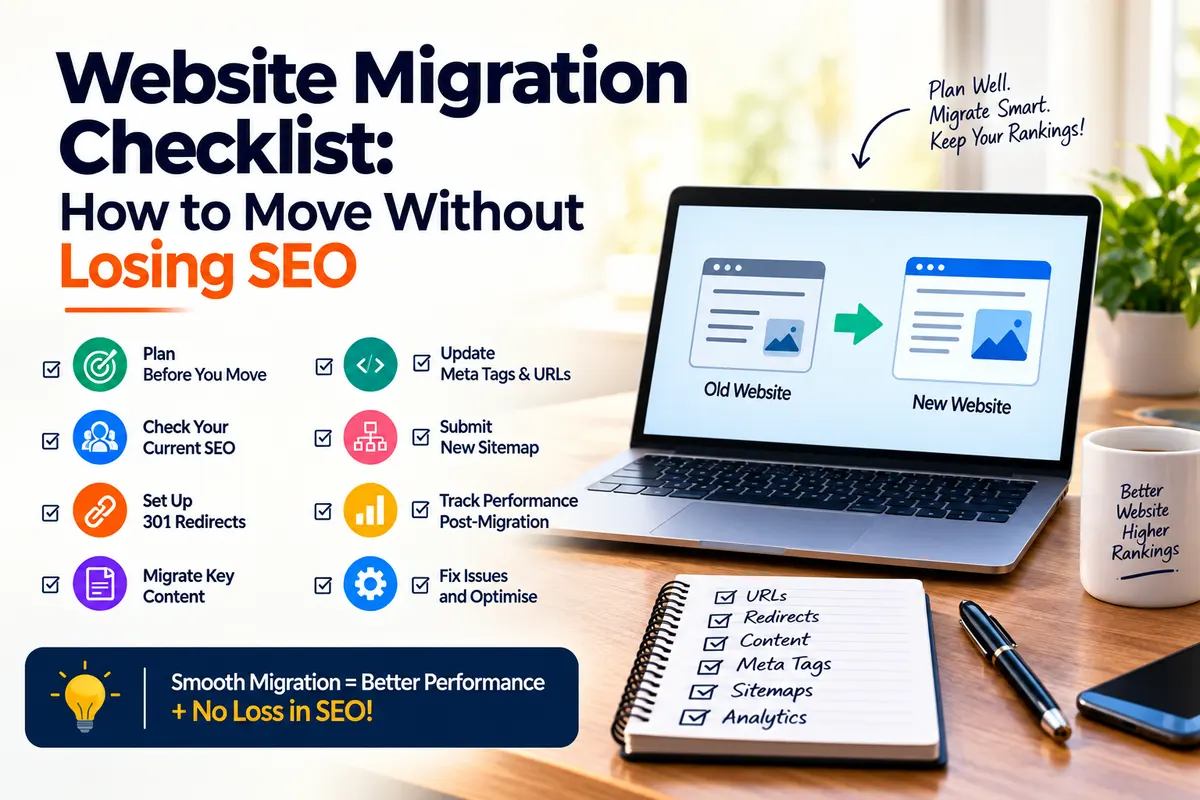
A website’s migration can improve your site, but a poorly planned move can also hurt rankings, traffic and leads. Here is a practical SEO-focused guide to help you plan, launch, and monitor migration safely.
Key Highlights
- Understand the type of migration you are planning and where SEO risks can appear.
- Record traffic, rankings, conversions, backlinks and indexed pages before the move.
- Map important old URLs to the right new URLs and plan redirects.
- Test robots.txt, canonicals, metadata, internal links, sitemap, analytics and mobile experience.
- Monitor Google Search Console closely after launching and act quickly if traffic or rankings fall.
1. What Is Website Migration and Why Can It Affect SEO?
Website migration means making a major change to a website’s domain, platform, URL structure, hosting, design or content. A simple hosting change may have limited SEO impact, while moving to a new domain or changing hundreds of URLs can create much larger risks.
The biggest problem is that search engines have already learned your existing site. Your old URLs may have rankings, backlinks, internal links and search history. If those signals are lost during the move, your new pages may need time to regain visibility.
That is why a website migration strategy should start before development is finished. Do not treat SEO as a final launch-day task.
Common migration types include:
| Migration type | Main SEO risk |
| Domain change | Loss of URL signals and backlinks |
| CMS/platform change | Changes to templates, URLs or technical setup |
| Website redesign | Missing content, metadata or internal links |
| URL structure change | Broken URLs and incorrect redirects |
| Hosting change | Crawling, downtime or server issues |
| HTTP to HTTPS | Incorrect redirects or mixed signals |
| Ecommerce migration | Lost product, category and filter URLs |
According to Google Search Central, site moves involving URL changes should be planned, tested, mapped and monitored. Google also notes that larger sites can take longer to process migrated URLs, so temporary ranking changes are possible.
2. Pre-Migration SEO Checklist: What to Do Before You Move
The safest SEO migration begins with a clear picture of your current website. Before changing anything, create a baseline.
Start by recording:
- Organic traffic and top landing pages
- Keyword rankings
- Indexed pages
- Organic conversions, leads or sales
- Backlinks to important pages
- Existing 404 errors
- Current XML sitemap
- Canonical tags
- Internal links
- Page titles and meta descriptions
- Core Web Vitals and mobile performance
This information gives you something to compare after launch. If traffic drops, you can identify which pages and signals changed instead of guessing.
Build a complete URL map
Your URL map is one of the most important parts of your website migration checklist. Export your current URLs and match them with their new destinations.
| Old URL | New URL | Action | Priority |
| /old-service | /services/new-service | 301 | High |
| /old-blog | /resources/blog | 301 | Medium |
| /discontinued-product | No replacement | 404/410 | Low |
Do not redirect every old page to the homepage. A redirect should lead users and search engines to the most relevant replacement. If there is no useful replacement, keeping a proper 404 or 410 responses may be better than sending visitors somewhere unrelated.
Protect your strongest pages first. These include pages with high organic traffic, valuable backlinks, strong rankings, leads, sales or important business information.
Preserve what already works
A redesign is not a reason to remove useful content simply because the new design looks cleaner. Keep important copy, FAQs, headings, metadata, structured data and internal links unless there is a clear reason to change them.
Also create a backup of the old site. Keep copies of the existing sitemap, crawl data, analytics setup and redirect records.
3. Website Migration Checklist: What to Check Before and During Launch
Before launch, test the new site in a staging environment. Make sure search engines cannot accidentally index unfinished pages.
Check:
- Robots.txt does not block important pages after launch
- No accidental no index tags remain
- Canonical tags point to the correct final URLs
- Internal links use the new URLs
- XML sitemap contains the correct indexable URLs
- Page titles and meta descriptions are present
- Structured data is still valid
- Images load correctly and retain useful alt text
- Forms, tracking and conversion events work
- The site works properly on mobile devices
- Important pages return a 200 status
- Redirects work without chains or loops
Get URL redirects right
URL redirects SEO is a critical part of migration because redirects help connect old URLs with their new locations. For permanent page moves, server-side permanent redirects such as 301 redirects are generally the right choice.
According to Google Search Central, site owners should create a URL mapping and use server-side permanent redirects from old URLs to their corresponding new URLs. Google also recommends updating internal links, so they point directly to the new URLs.
Avoid creating this type of path:
Old URL → Redirect 1 → Redirect 2 → New URL
Instead, aim for:
Old URL → New URL
This is why URL redirects SEO checks should be completed before launch. Look for 404s, redirect loops, incorrect destinations and pages that redirect to unrelated content.
Do a final launch-day check
Keep the old site and redirect rules ready before switching. Confirm that DNS, SSL, analytics and Search Console access are working.
Once the new site is live, crawl it again. Compare the new crawl with your pre-migration crawl. This can quickly reveal missing pages, broken links and technical changes that were not obvious during development.
4. Post-Migration SEO Checklist: How to Find and Fix Problems
Your work is not finished when the new site goes live. The first days and weeks are when close monitoring matters most.
Use Google Search Console to check:
- Indexing status
- Page indexing issues
- Crawl errors
- 404 pages
- Redirect problems
- Search clicks and impressions
- Average position
- Sitemap status
- Core Web Vitals
Do not panic over a small short-term change. Look for patterns.
If organic traffic falls sharply, check the following in order.
- First, check accessibility. Make sure Googlebot can crawl the new pages and that the site is not blocked by robots.txt, no index rules or server errors.
- Second, check redirects. Confirm that important old URLs lead to the correct new pages. This is where your URL redirects SEO plan becomes especially useful.
- Third, check indexing. Make sure valuable pages are still eligible for indexing and appear in the new sitemap. Google explains that sitemaps help search engines discover important pages more efficiently.
- Fourth, check content. Compare old and new versions. A ranking drop can happen when useful content, headings or supporting information disappear.
- Fifth, check internal links. Important pages should still be easy to reach through the new site structure.
- Finally, check business data. Traffic is not the only metric. Compare leads, transactions and conversion rates with the pre-migration baseline.
Give the migration time to settle
A sensible monitoring plan looks like this:
| Period | What to monitor |
| First 24 hours | Uptime, redirects, indexing access, forms and analytics |
| First week | 404s, crawl issues, traffic, rankings and conversions |
| First month | Index coverage, organic performance, backlinks and page-level trends |
5. How to Protect SEO Value After a Website Migration
A successful SEO migration is about preserving the signals that already make your site valuable while giving search engines a clear path to the new version.
Keep redirect rules active for the appropriate period. Update important backlinks where possible, especially links from high-authority websites. Replace old internal links with final URLs rather than relying on redirects.
For international websites, review reflag references. For ecommerce sites, check product, category, variant and pagination URLs carefully. For large websites, use crawl data and server logs to find problems that normal browser testing may miss.
Your website migration checklist should also include a content review after launch. Check your highest-value pages one by one. A technically correct migration can still lose visibility if the new site has weaker content or removes useful pages.
A clear website migration strategy also means making fewer major changes at once. If possible, avoid changing the domain, URL structure, content, design and platform all in one move. When several things change together, diagnosing a traffic loss becomes much harder.
For businesses comparing the best SEO services in Mumbai, it is worth looking beyond basic keyword rankings. A capable SEO team should understand technical SEO, website development, analytics, content and migration planning together. The goal should not simply be to recover rankings. It should be to protect organic traffic and business results throughout the move.
Keeping SEO Safe Through Your Next Website Move
A website migration should be treated as an SEO project, not just a development project. With a clear baseline, complete URL mapping, correct redirects, careful technical testing and post-launch monitoring, businesses can reduce the risk of losing valuable search visibility. A detailed website migration checklist makes the process easier to manage and gives every team a clear set of tasks before, during and after launch.
At Savit Interactive, we believe the best migration work starts with understanding what already works before deciding what should change. We combine SEO, content and technical checks to help businesses plan a safer move. Our suggestion is simple: start your SEO migration planning early, protect your highest-value URLs first and keep monitoring after launch instead of waiting for rankings to recover on their own. For businesses looking for the best SEO services in Mumbai, we recommend choosing a team that can manage both the technical and strategic sides of migration.
Frequently Asked Questions:
1. What is content pruning in SEO?
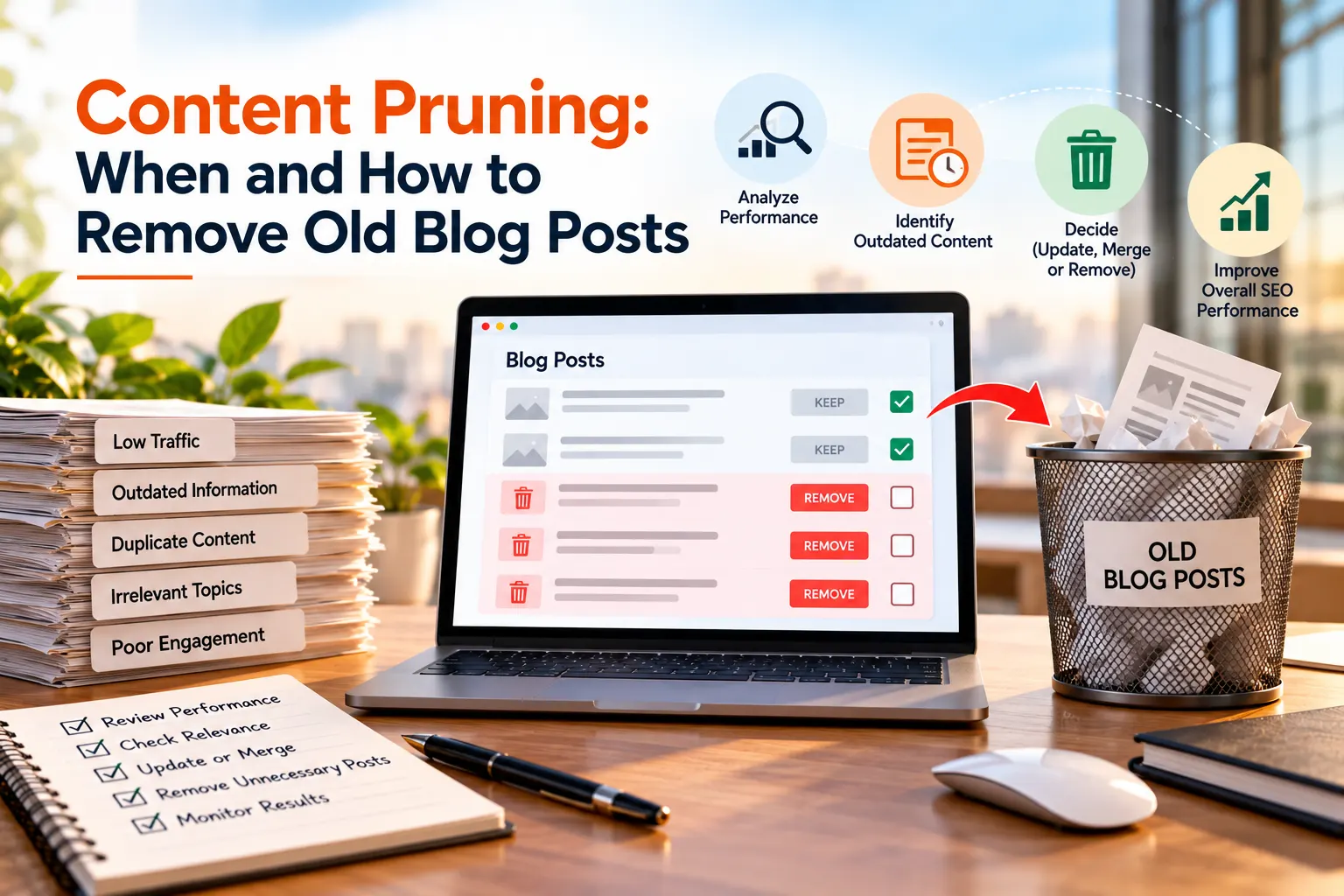
Content pruning is the process of reviewing old website content and deciding whether to keep, update, merge, redirect, or remove pages based on their usefulness, performance, relevance, and business value.
2. Should I delete a blog post if it has low traffic?
No. Low traffic alone does not mean a page has no value. Check impressions, conversions, backlinks, rankings, search intent, and business relevance before deciding whether to remove it.
3. When should an old blog post be updated instead of deleted?
A post should generally be refreshed when the topic is still useful, but its performance has declined or its information has become outdated. Updating headings, statistics, examples, internal links, and other content can help improve its usefulness.
4. Is it better to merge similar blog posts?
Yes, when multiple pages target the same search intent, combining their useful information into one stronger resource can be more effective than maintaining several overlapping pages.
5. How can I safely remove old blog posts without hurting SEO?
Before removing a page, check whether it has a relevant replacement. If appropriate, use a 301 redirect, remove the old URL from the XML sitemap, update internal links, review canonical tags and backlinks, and monitor indexing after the change.