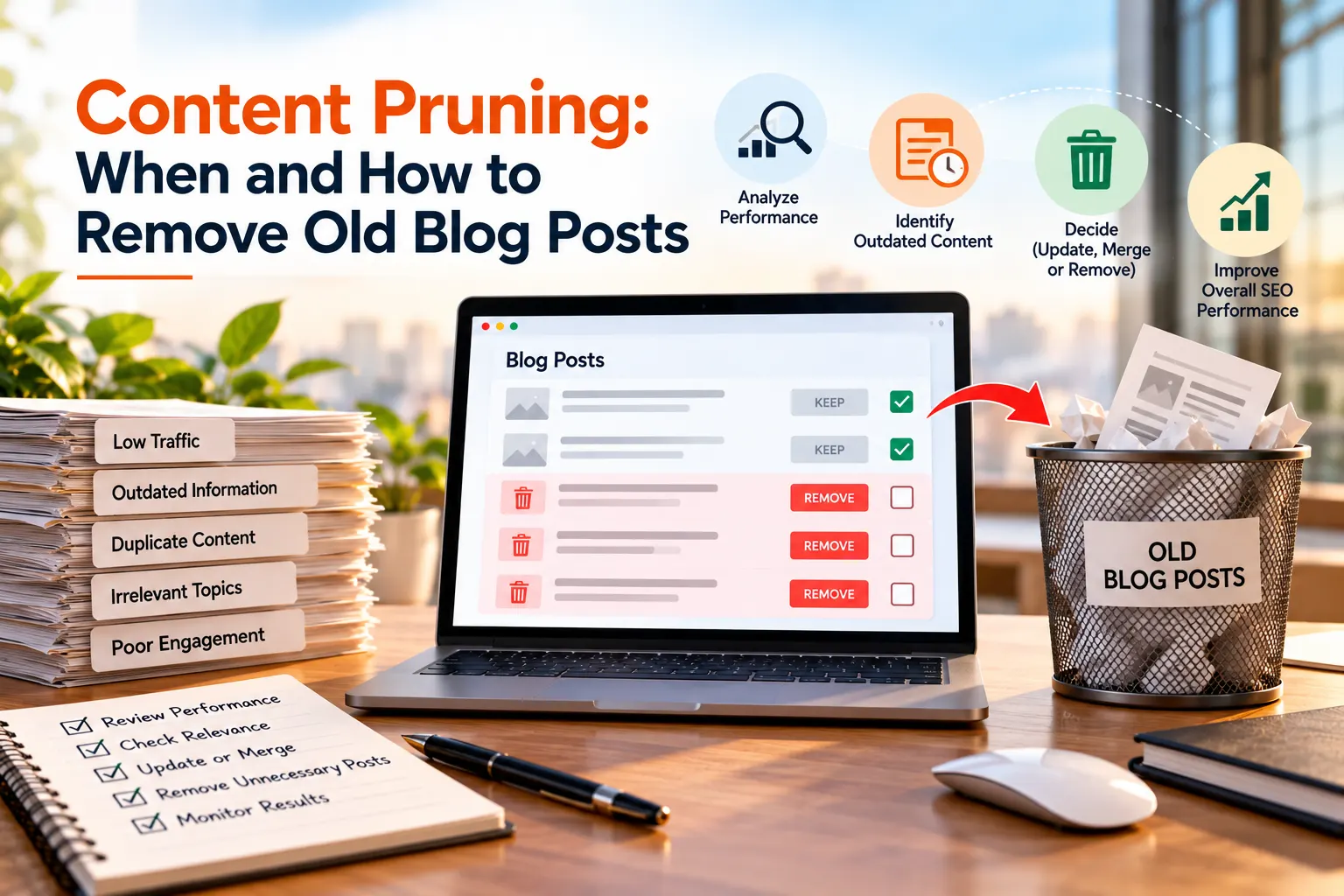
Old blog posts can quietly lose relevance, attract no useful traffic, or overlap with newer pages. Learn how to decide what to keep, update, merge, redirect, or remove without damaging your search visibility.
Key Highlights
- Content pruning is not about deleting old posts in bulk. It is about removing or improving pages that no longer serve users or your business.
- A low-traffic page is not automatically a poor page. Check impressions, conversions, backlinks, rankings, and search intent first.
- Before deleting a post, decide whether it should be refreshed, merged, redirected, archived, or permanently removed.
- Use Google Search Console, GA4, backlink data, and a website content audit to make evidence-based decisions.
- A careful pruning process should include internal links, sitemaps, redirects, canonicals, and post-pruning monitoring.
- In AI-powered search, useful and unique content still matters. Google says its generative AI search features rely on its existing Search ranking and quality systems.
What Is Content Pruning and Why Does It Matter for SEO
Most websites collect blog posts over time. Some remain useful for years. Others become outdated, repetitive, inaccurate, or irrelevant to the business.
Content pruning is the process of reviewing these pages and deciding what should stay, improve, combine, redirect, or go. The important point is that pruning does not mean deleting everything that is old.
A five-year-old guide can still rank well and bring qualified visitors. On the other hand, a two-year-old post may have outdated information and no useful search visibility.
That is why content pruning should be based on performance and usefulness rather than publishing date alone.
This makes pruning useful when a website has several pages covering almost the same topic. The goal is simple: make every important URL earn its place on the website. This is also where SEO content optimization becomes useful. Instead of constantly publishing new articles, businesses can improve existing resources and concentrate authority around their strongest pages.
When Should You Remove, Update, Merge, or Keep an Old Blog Post
Before removing a blog post, ask one question: Does this page still provide value?
Value can come from traffic, leads, backlinks, rankings, useful information, brand relevance, or support for other pages.
Consider these four actions:
| Situation | Recommended action |
| Useful topic with declining performance | Refresh |
| Several pages target the same intent | Merge |
| Old page has a relevant replacement | Redirect |
| No value, relevance, or suitable replacement | Remove |
| Page still provides useful traffic or conversions | Keep |
A post with low traffic may still have a strong impression in Google. That could mean the topic has demand, but the page needs a better title, structure, or answer.
Similarly, a page may attract very few visitors but generate leads. Deleting it simply because traffic is low could remove a valuable business asset.
During content pruning, look for signs such as:
- The information is no longer accurate
- The topic no longer matches the business
- The page has very little search visibility
- Another page now covers the same search intent
- The post contains outdated products, services, prices, or statistics
- The page has no meaningful backlinks or conversions
- The topic cannot be improved enough to justify keeping it
Do not confuse content decay with dead content. Content decay happens when a previously useful page gradually loses traffic and rankings. That page may deserve an update.
Dead content has little or no meaningful visibility, value, relevance, or future purpose. That is a much stronger candidate for removal.
How to Audit Old Blog Posts Before You Delete Them
A proper website content audit should happen before any major deletion exercise.
Start by creating a list of your blog URLs. For each URL, record its age, topic, traffic, impressions, rankings, backlinks, conversions, and business relevance.
Google Search Console is especially useful here. Look at clicks, impressions, click-through rate, queries, and average position.
For example, consider two pages:
- Page A: 25 clicks, 15,000 impressions, several conversions.
- Page B: 8 clicks, 120 impressions, no conversions.
Page A should not be deleted simply because its traffic looks small. Page B may deserve closer examination.
GA4 can add another layer by showing engagement and conversions. Backlink tools can reveal whether other websites reference the page. Also check your internal links. A post that looks weak on its own may still be part of an important topic cluster.
Search intent matters too. Two articles may use different titles but answer the same user question. This can create unnecessary overlap and make duplicate content SEO issues harder to manage.
A simple audit sheet can help:
| Metric | What to check |
| Organic clicks | Is the page attracting visitors? |
| Impressions | Is Google showing it for searches? |
| Conversions | Does it support business goals? |
| Backlinks | Does it have external authority? |
| Internal links | Does it support other pages? |
| Search intent | Does it answer the right question? |
| Accuracy | Is the information current? |
| Business value | Is the topic still relevant? |
This process turns content pruning from guesswork into a measurable SEO task.
How to Safely Remove Old Blog Posts Without Losing SEO Value
Once you have completed your website content audit, decide what should happen to each URL. If an old article has a newer page covering the same topic, a 301 redirect may be appropriate. The replacement should genuinely satisfy the user’s need.
For example, if three old articles about local SEO now overlap with one comprehensive guide, you can consolidate the useful information into the stronger guide and redirect the older URLs to it.
Do not redirect every deleted page to the homepage.
If there is no relevant replacement, allowing the old URL to return a 404 or 410 response can be more appropriate.
You should also:
- Remove deleted URLs from your XML sitemap
- Update internal links pointing to removed pages
- Check canonical tag
- Review important external backlink
- Check for redirect chains
- Monitor indexing after the changes
Google recommends updating internal links and canonical information when URLs change, while keeping a clear record of old and new URLs.
For duplicate content SEO, consolidation can often be better than maintaining several weak pages that cover nearly identical information.
The key is to preserve useful information wherever possible rather than treating deletion as the only solution.
Common Content-Pruning Mistakes That Can Hurt Your SEO
The biggest content pruning mistake is deleting pages simply because they are old.
Age is not a quality score. Another mistake is using traffic as the only measurement. A page with modest traffic can still generate leads, earn backlinks, answer a valuable niche query, or support a major service page.
Businesses also make the mistake of deleting several URLs without recording their original performance. Without a baseline, it becomes difficult to understand whether the changes helped.
Other common errors include:
- Redirecting unrelated pages to the homepage
- Deleting pages with valuable backlinks
- Ignoring conversions
- Forgetting internal links
- Leaving deleted URLs in XML sitemaps
- Treating every similar article as a problem
- Assuming fewer pages automatically means better rankings
- Making large-scale changes without monitoring the results
Another area that deserves attention is SEO content optimization after pruning. When weak pages are removed, the remaining pages should not simply be left alone. Review their headings, internal links, outdated statistics, examples, metadata, and search intent. This helps turn pruning into an ongoing improvement process rather than a one-time cleanup.
How to Build a Content-Pruning Strategy for SEO and AI Search
A practical process can follow six steps:
Inventory → Analyse → Score → Decide → Implement → Monitor
Start with a quarterly light review. Look for clearly outdated pages, broken resources, expired topics, and obvious duplication.
Then conduct a deeper annual website content audit covering traffic, impressions, conversions, backlinks, rankings, search intent, and business relevance.
After making changes, compare performance against your original baseline. Watch organic clicks, impressions, rankings, conversions, indexed pages, and errors.
The same principle now matters for AI-powered search.
Google’s current guidance says its AI search experiences use the same core Search ranking and quality systems, while useful, unique, people-focused content remains important.
That means a page with limited traditional traffic should not automatically be deleted if it contains unique expertise or answers a specific question well.
This is especially important for businesses investing in SEO content optimization and answer-focused search strategies.
For companies evaluating duplicate content SEO, the focus should be on creating clearer, stronger resources rather than simply reducing the number of URLs.
Keep the Content That Earns Its Place
The best content pruning strategy is not about having the fewest blog posts. It is about having a website where the right pages remain accurate, useful, relevant, and easy to find. Before removing an old post, look at its traffic, rankings, backlinks, conversions, search intent, and overall value. If a page can still help users, improve it instead of deleting it. If it no longer serves a clear purpose, remove it carefully and make sure the necessary redirects, links, and sitemap updates are handled.
At Savit Interactive, we believe SEO content optimization should be an ongoing process, not a one-time cleanup exercise. For businesses working with SEO companies in Mumbai, our suggestion is simple: do not delete old content just to reduce the number of pages on your website. Audit it, understand its purpose, improve what still has potential, and remove only what no longer adds value. A thoughtful content pruning strategy can help create a stronger, more useful website that is better prepared for both search engines and users.
FAQs
1. What is content pruning and why is it important for SEO?
Content pruning is the process of reviewing website pages to decide whether they should be kept, updated, merged, redirected, or removed. It helps keep content accurate, relevant, and useful instead of deleting pages simply because they are old.
2. How does SEO content optimization improve existing website content?
SEO content optimization improves existing pages by reviewing their headings, search intent, internal links, metadata, examples, and outdated information. It can help strengthen useful pages instead of creating new content for every search query.
3. What should I check during a website content audit?
A website content audit should review organic clicks, impressions, rankings, conversions, backlinks, internal links, search intent, content accuracy, and business relevance. These factors help you decide which pages need improvement, consolidation, redirection, or removal.
4. Does duplicate content SEO hurt website rankings?
Duplicate content SEO issues can occur when multiple pages cover the same search intent or contain very similar information. Google may group similar URLs and select one canonical URL, so consolidating overlapping pages can often create a clearer and stronger website structure.
5. How can SEO companies in Mumbai help with content pruning?
SEO companies in Mumbai can review your website content, identify outdated or overlapping pages, analyse performance data, and recommend whether to update, merge, redirect, or remove content. A structured approach can help protect valuable traffic, backlinks, and conversions.